
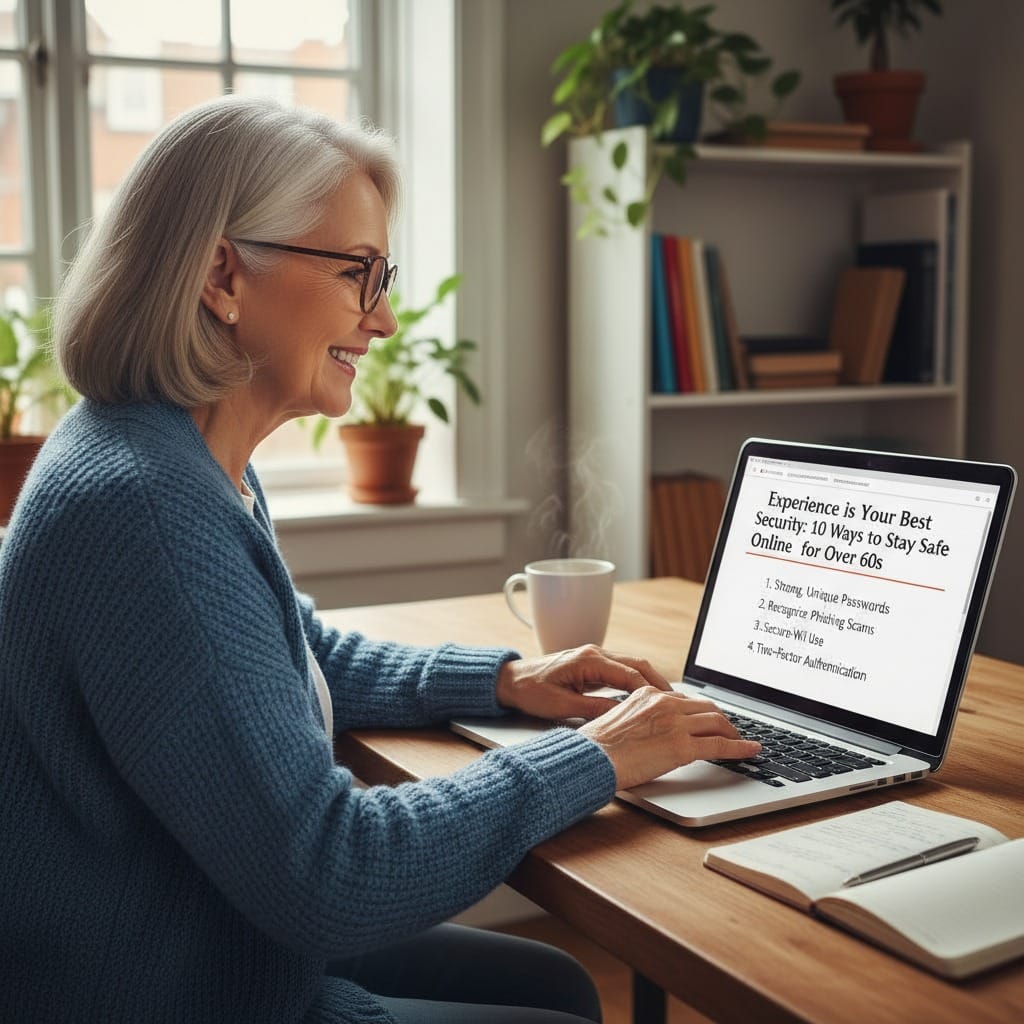
The internet has made life easier in many ways.
We bank, shop, and run businesses from the kitchen table.
For many of us building new routines after 60, it’s a powerful tool for independence. But there is a downside: online scams have evolved.
Modern scams look incredibly convincing – fake bank alerts, delivery notifications, even “investment” tips featuring familiar faces.
The truth is, scammers don’t just target the careless; they target sensible people when they are busy or distracted.
The good news? You don’t need to be a tech genius to stay safe.
You just need to apply the same “slow down and verify” logic you’ve used in business, work and life for decades.
The 10 Simple Rules of Digital Safety
1. Slow Everything Down Scams rely on urgency. “Account locked” or “Immediate action required.” That pressure is a trap. The safest first step is to pause. If a message pushes you to act now, question why.
2. Never Click Links in Unexpected Messages Links in texts or emails can lead to “cloned” websites. If a bank or delivery company contacts you unexpectedly, do not click. Go to the official website via your browser instead.
3. Go to the Company Directly Never use the phone number or link provided in a suspicious message. Use the number on the back of your bank card or an official statement. One call can save a lot of heartache.
4. Use Strong, Unique Passwords Using the same password everywhere is like using one key for your house, car, and office. If a criminal gets one, they get them all. Consider a Password Manager to keep things secure.
5. Turn on Two-Step Verification (2SV) Most UK banks and email providers now offer this. It sends a code to your phone when you log in. It’s a small extra step that acts as a massive deadbolt on your digital door.
6. Be Wary of “Guaranteed” Investments Fraudsters often impersonate financial advisers or celebrities. In the UK, you should always check the FCA Register before moving money. If it promises high returns with “no risk,” it’s a red flag.
7. “Too Good to Be True” is a Warning Massive discounts or miracle offers are designed to make you act before you think. Trust that inner voice—if it feels too good to be true, it almost certainly is.
8. Keep Your Devices Updated Those annoying “Update Now” notifications on your phone or laptop? They are your digital maintenance. They often contain the latest security patches to block new viruses.
9. Report Suspicious Messages In the UK, you can fight back. Forward scam texts to 7726 (it spells ‘SPAM’ on a keypad) and report suspicious emails to report@phishing.gov.uk.
It helps the authorities shut these people down.
10. When in Doubt, Ask Someone A second opinion is a scammer’s worst enemy. A quick chat with a partner, friend, or colleague can reveal a scam instantly. Scammers want you alone; your community keeps you safe.
The Ropho Final Thought
The internet is a wonderful tool that has opened huge doors for us in our sixties.
You don’t need to be paranoid; you just need to be prepared.
Taking a beat to verify things isn’t a sign of being “out of touch”—it’s a sign of experience.
What’s your #1 rule for staying safe online? Let’s share some collective wisdom in the comments below!


Leave a Reply